Load your laundry.
Put your items in the washer or dryer and close the door. For a wash, add the laundry liquid you brought. Note your machine number.
Self service at Mt Washmore
Load your laundry, pay at the kiosk or on your phone, then start the machine. Here’s the simple step by step guide for your visit.
See the stepsAt the machine
Use these steps for a washer or dryer. You can choose the payment option that suits you.
Put your items in the washer or dryer and close the door. For a wash, add the laundry liquid you brought. Note your machine number.
Go to the payment kiosk, or scan the QR code or tap the NFC tag on your machine with your phone. Select the correct machine and follow the payment prompts.
Return to the machine, choose the settings you want and press Start on the machine. Paying alone does not start the cycle.
Two ways to pay
Both options let you pay for the machine you’re using.
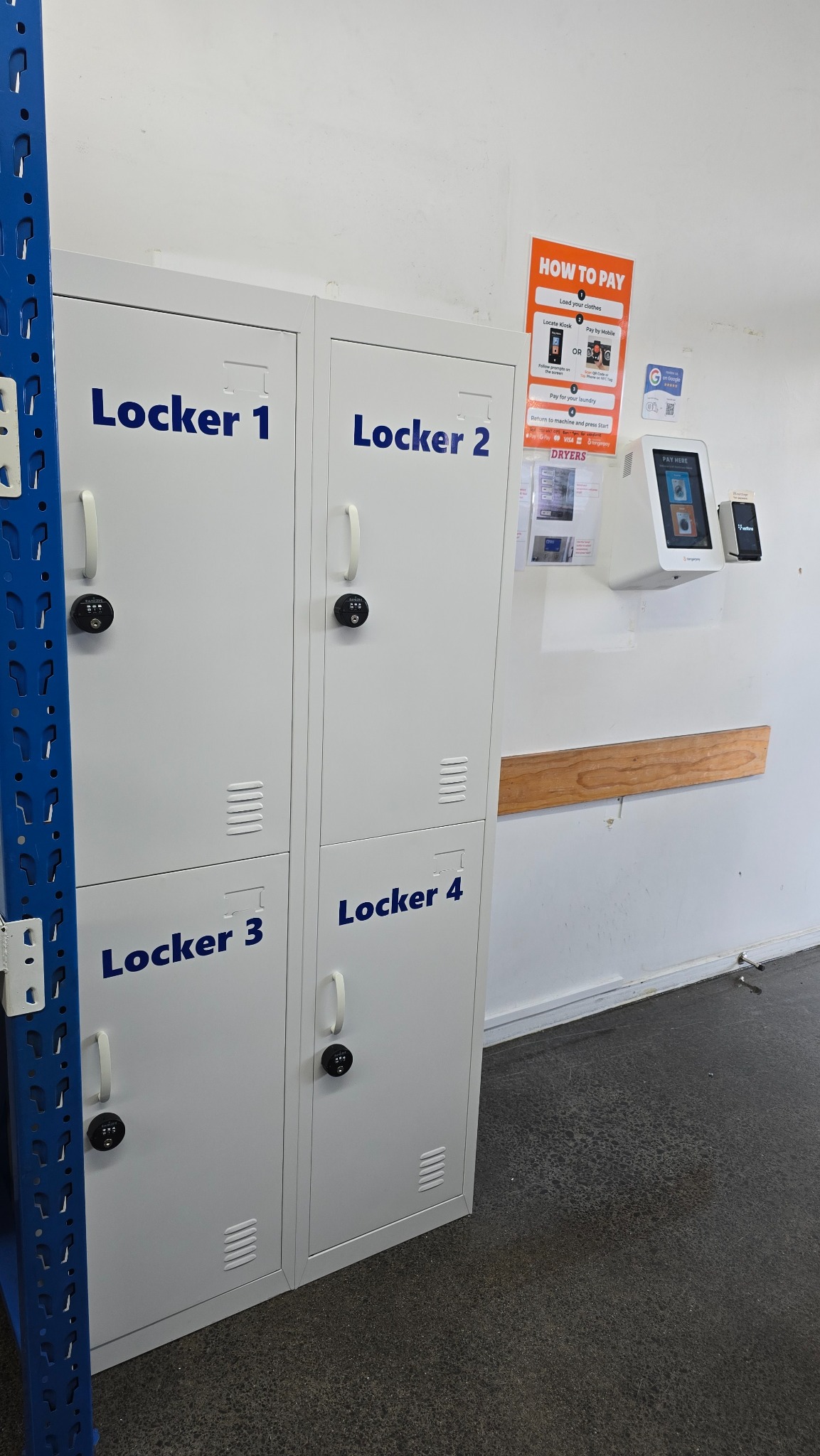
Using a dryer after washing? Move your laundry to a dryer, then select and pay for that dryer separately before pressing Start.
Need a hand?
Check that you selected the right machine number and pressed Start on the machine. If it still does not run, keep your payment confirmation and machine number so the team can help. You can speak to us during staffed hours or contact Mt Washmore through Facebook.
Contact us on Facebook